Run Kafka Localy
To run Kafka with a UI locally using Docker Compose, use the following YAML file:
services:
  kafka:
    image: apache/kafka-native:3.9.0
    ports:
      - "9092:9092"
    environment:
      # Configure listeners for both docker and host communication
      KAFKA_LISTENERS: CONTROLLER://localhost:9091,HOST://0.0.0.0:9092,DOCKER://0.0.0.0:9093
      KAFKA_ADVERTISED_LISTENERS: HOST://localhost:9092,DOCKER://kafka:9093
      KAFKA_LISTENER_SECURITY_PROTOCOL_MAP: CONTROLLER:PLAINTEXT,DOCKER:PLAINTEXT,HOST:PLAINTEXT

      # Settings required for KRaft mode
      KAFKA_NODE_ID: 1
      KAFKA_PROCESS_ROLES: broker,controller
      KAFKA_CONTROLLER_LISTENER_NAMES: CONTROLLER
      KAFKA_CONTROLLER_QUORUM_VOTERS: 1@localhost:9091

      # Listener to use for broker-to-broker communication
      KAFKA_INTER_BROKER_LISTENER_NAME: DOCKER

      # Required for a single node cluster
      KAFKA_OFFSETS_TOPIC_REPLICATION_FACTOR: 1
  kafka-ui:
    image: ghcr.io/kafbat/kafka-ui:v1.0.0
    ports:
      - 8080:8080
    environment:
      DYNAMIC_CONFIG_ENABLED: "true"
      KAFKA_CLUSTERS_0_NAME: local
      KAFKA_CLUSTERS_0_BOOTSTRAPSERVERS: kafka:9093
    depends_on:
      - kafka
Start compose file with following command.
docker compose -f kafkawithkafkauidockercompose.yml up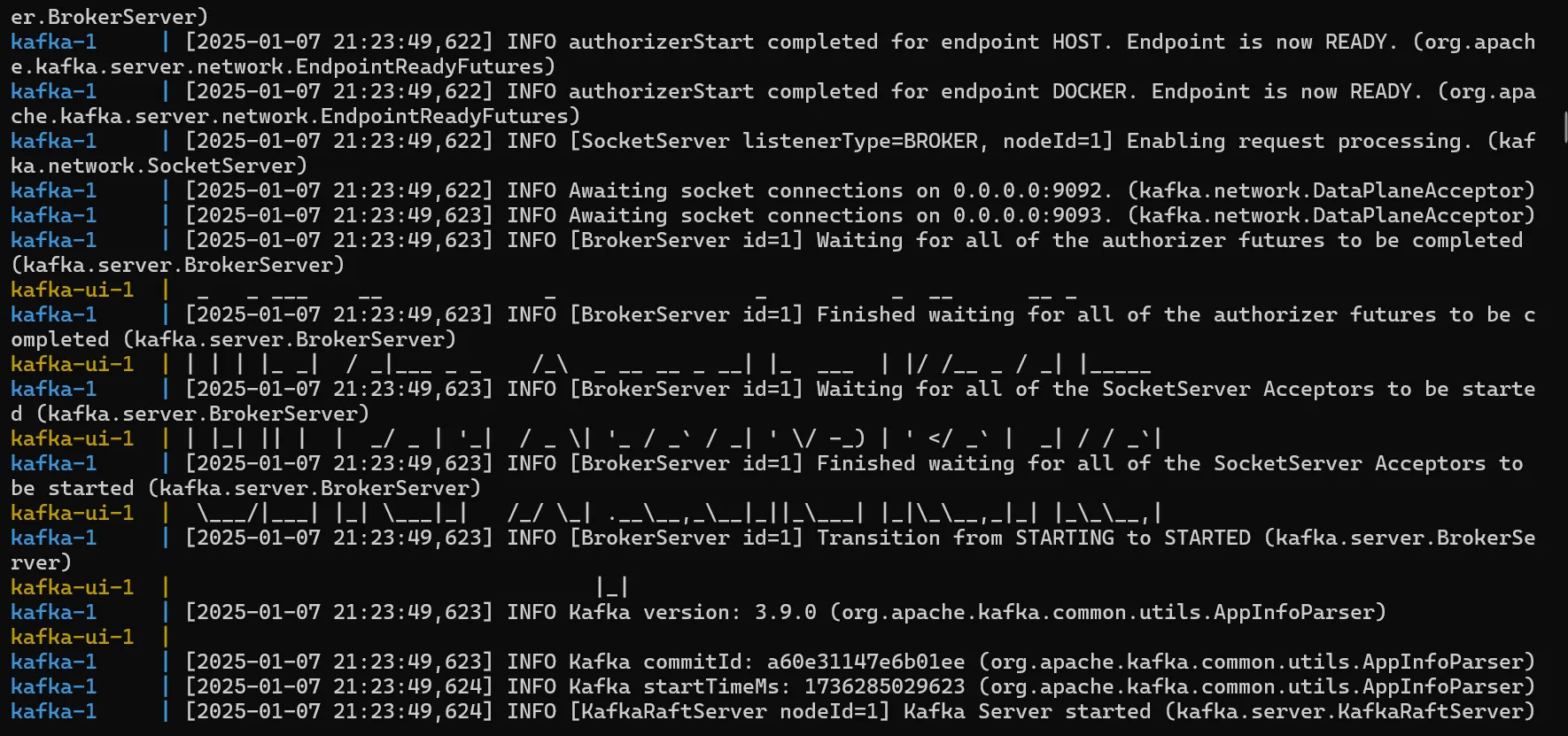
Open http://localhost:8080 in your browser
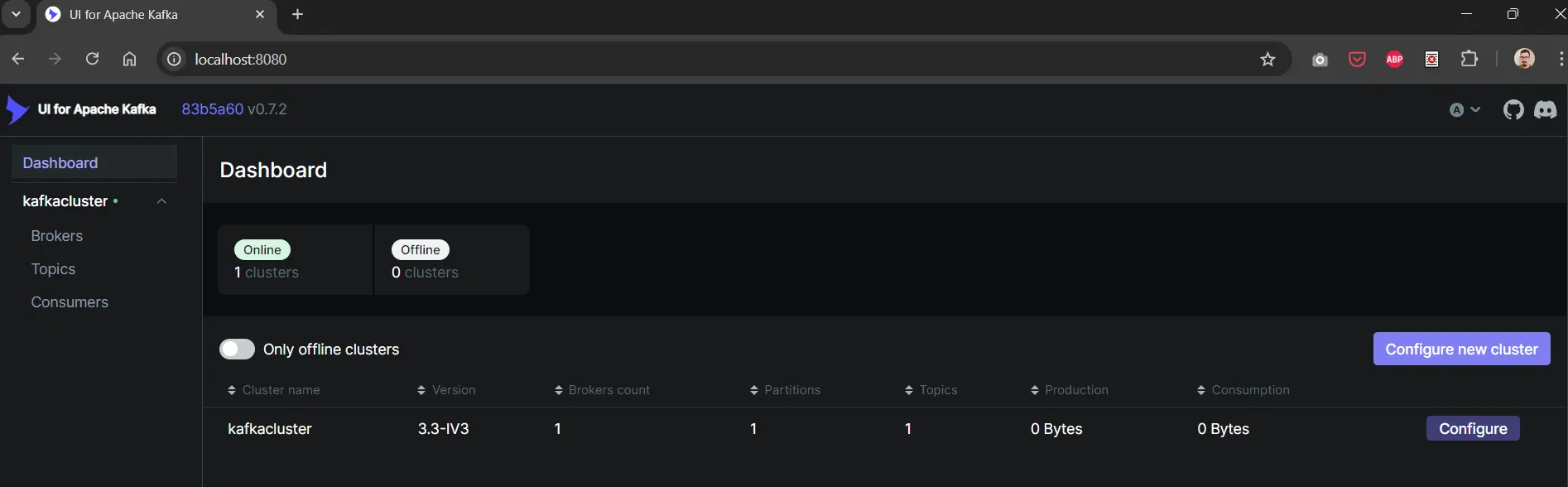
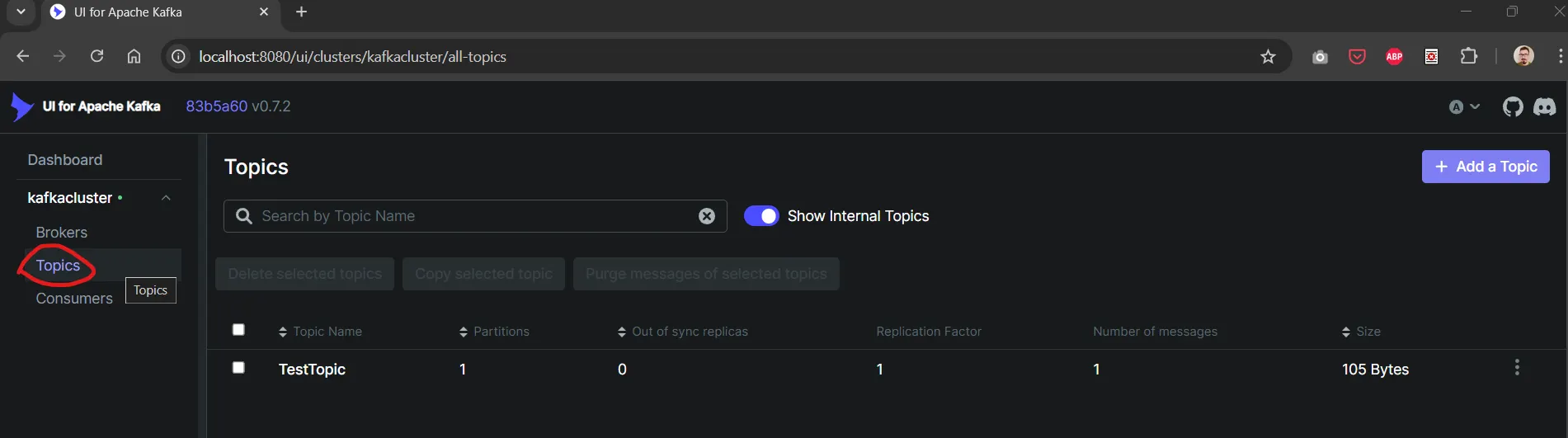
To manage topics click on topics. You will see a list of topics and an add topic button. In this topic list, there is also a number of messages column to see waiting-to-consume messages count.
To see messages or produce a new message, click on a topic in the list.
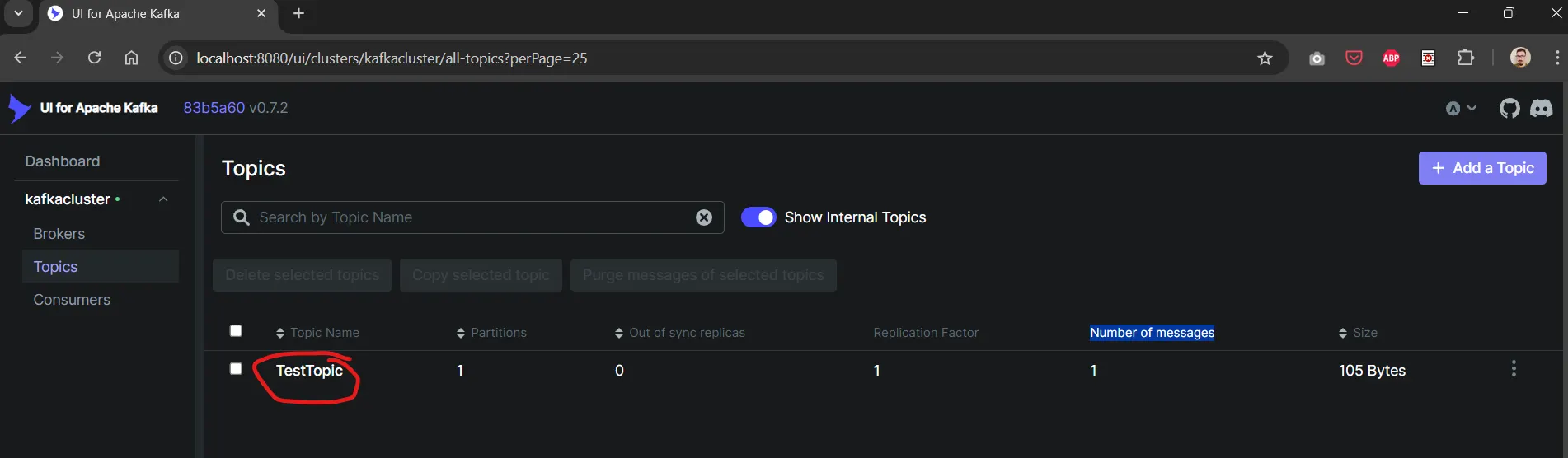
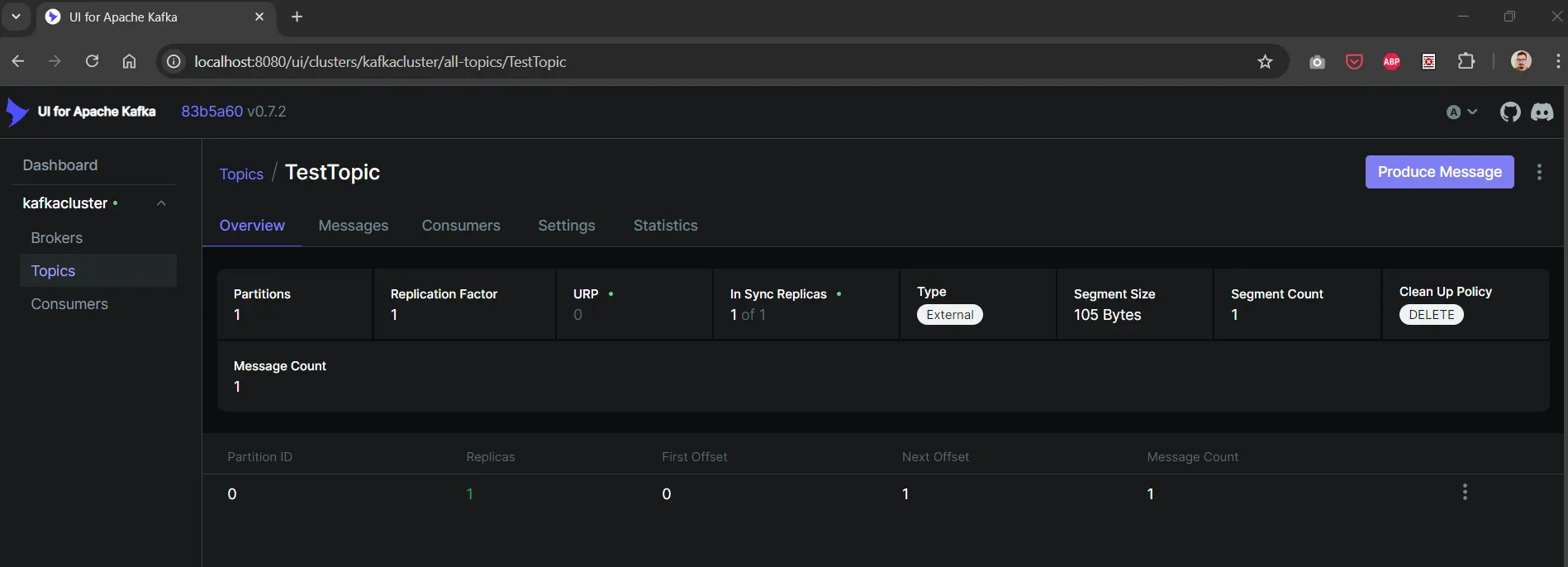
You will see the detailed topic page.
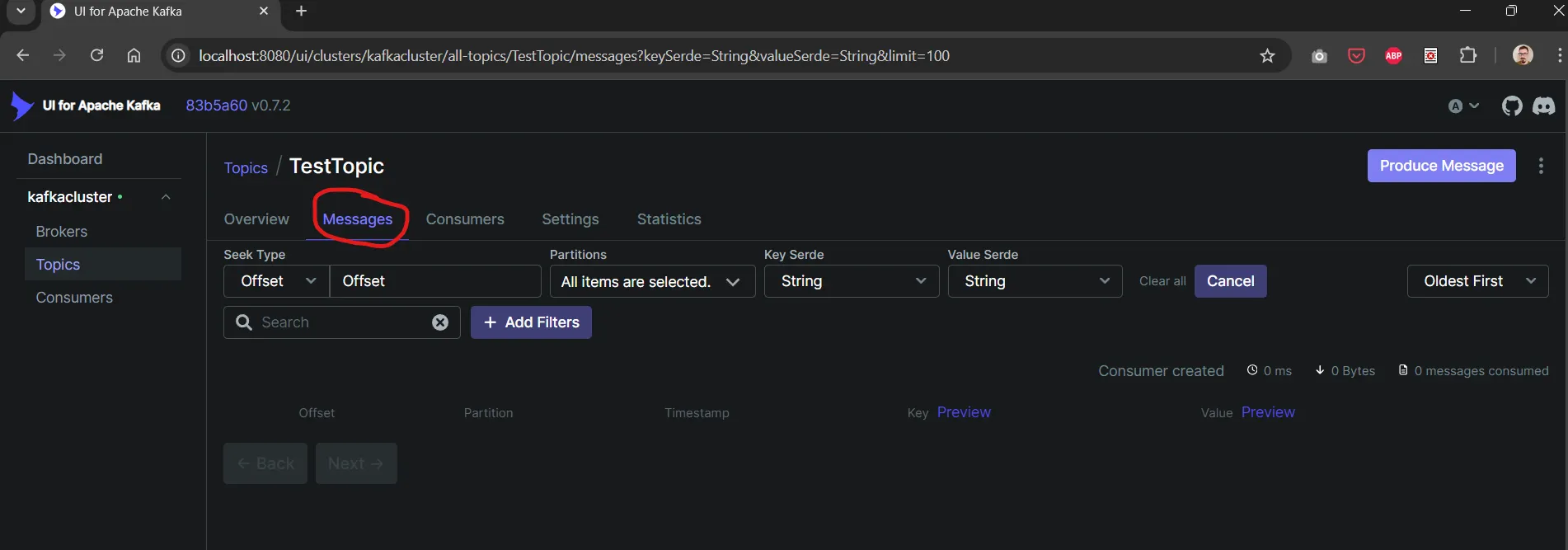
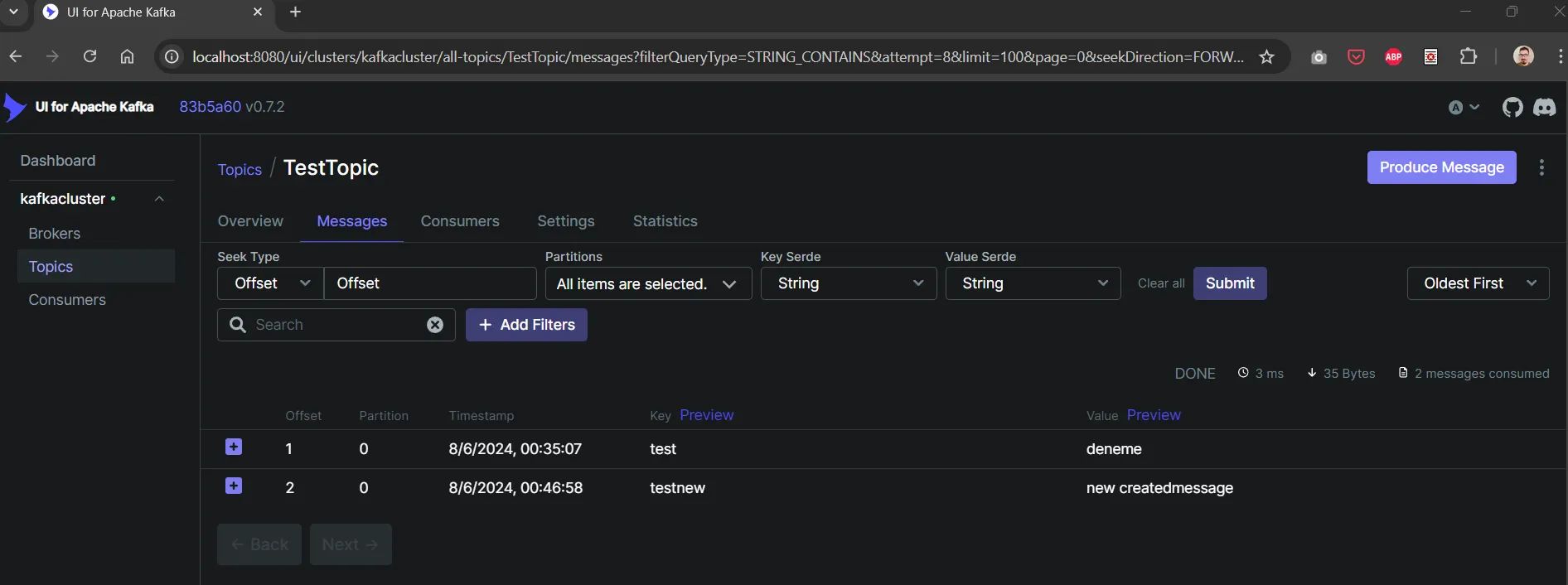
On the messages tab you can see messages for this topic. But sometimes messages cannot be loaded.
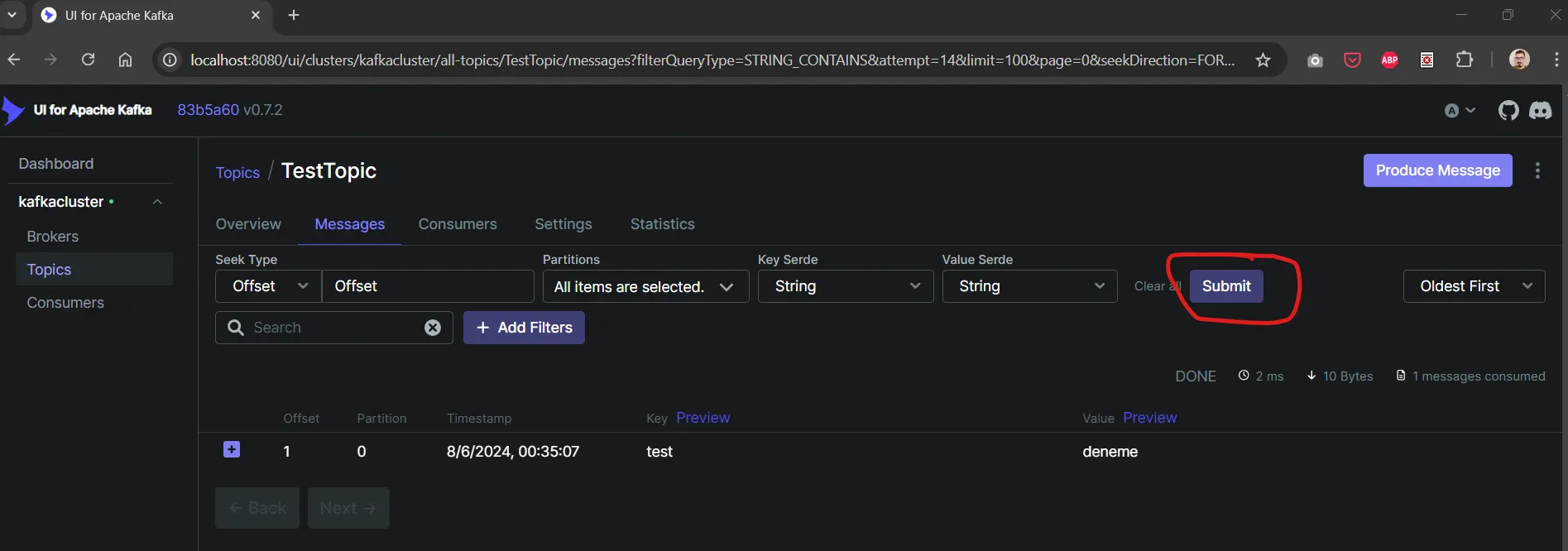
You can try again and again with cancel and submit buttons. Then you will see the result of listed messages.
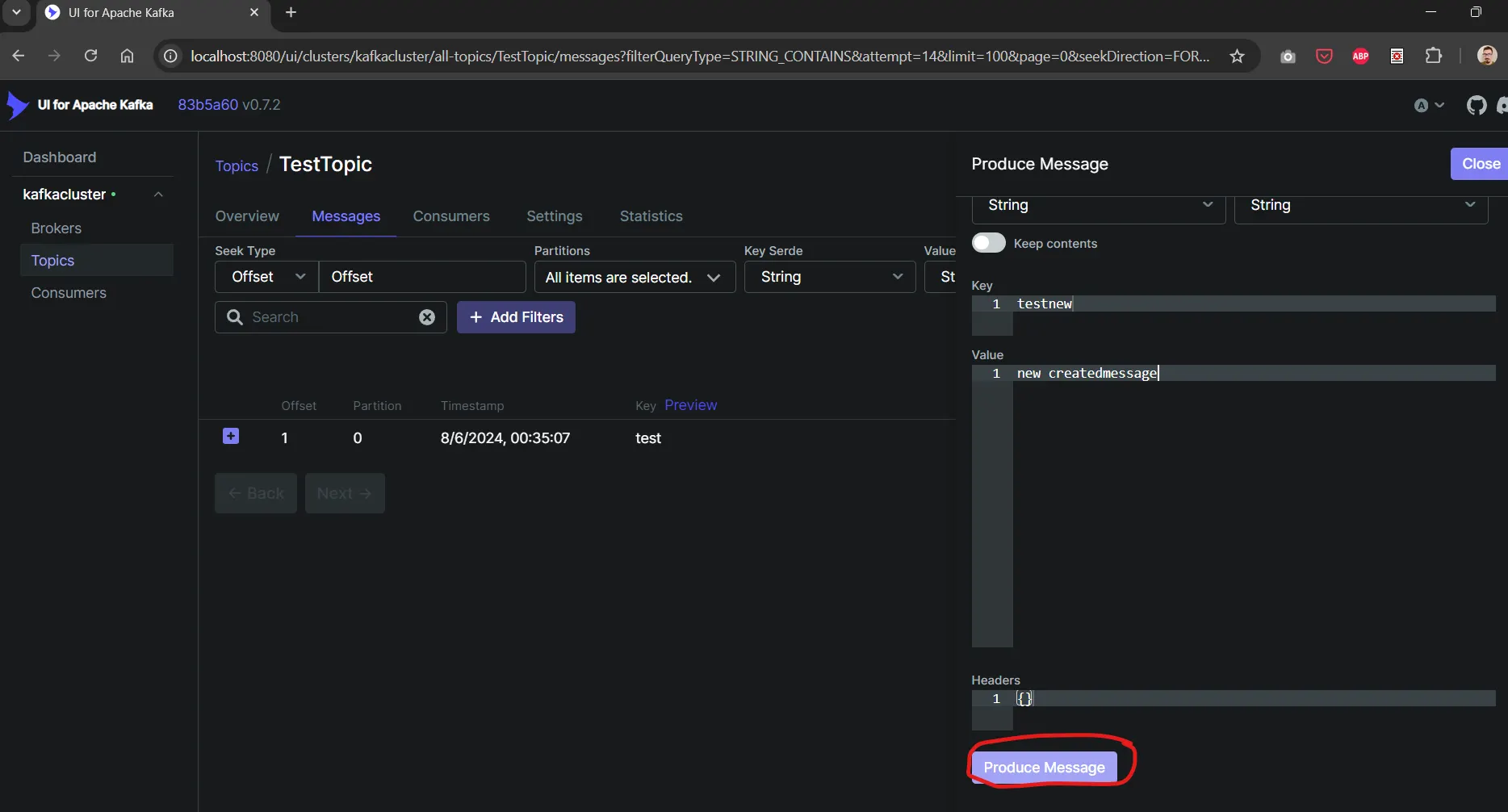
If you want to produce a new message, click on the produce message button.

Type key and value of message.
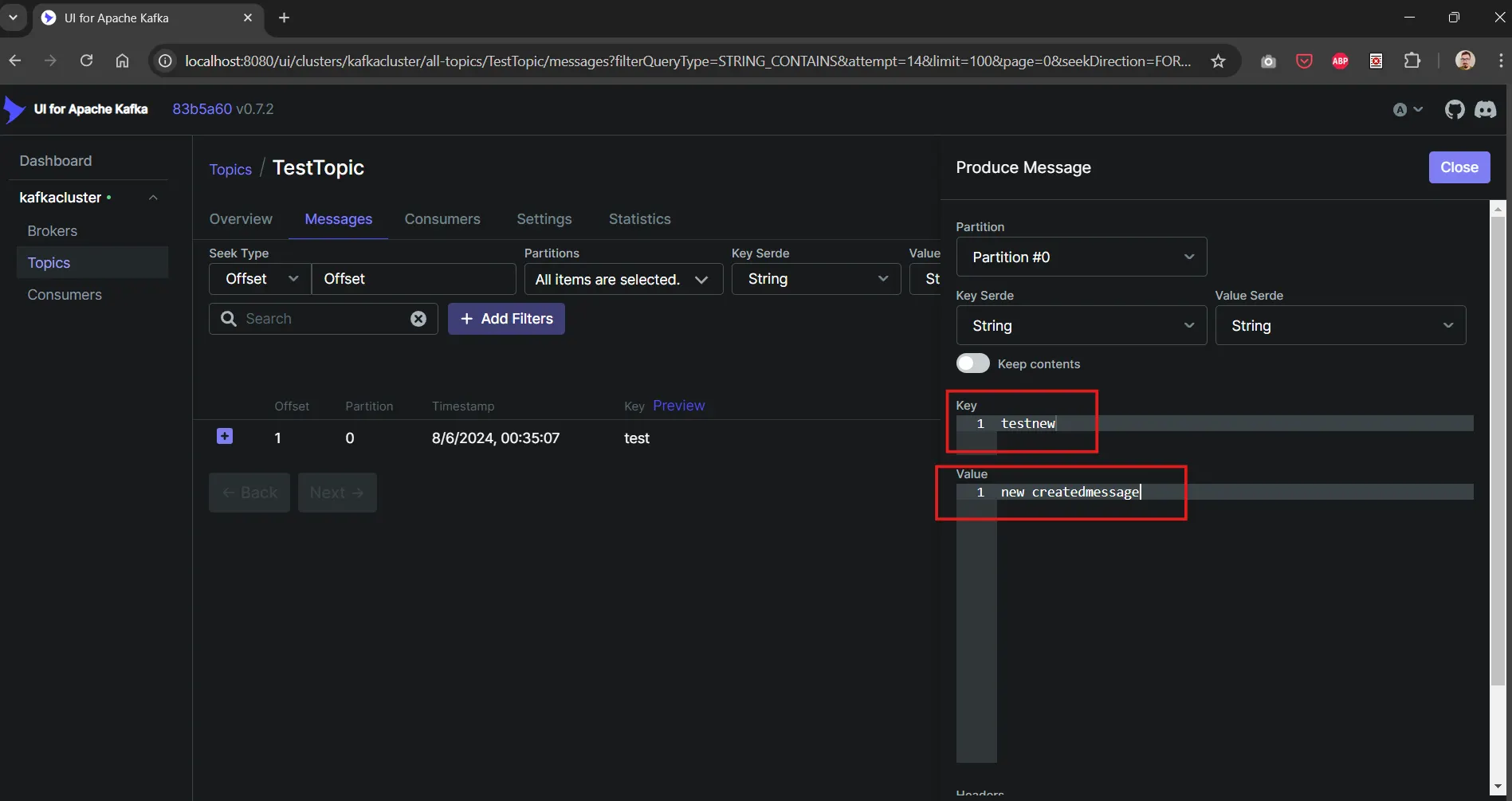
Then click produce message button.
You will see new message in messages list.
You can connect as a consumer to localhost:9092.